

Internet Safety Tips for Teens Every Parent Should Know
Internet Safety Tips for Teens Every Parent Should Know

Teenagers spend more time online than any previous generation — and the internet they're navigating looks nothing like it did a decade ago. Group chats, live streams, AI-generated content, and anonymous platforms create a digital environment that's genuinely hard for adults to fully map. That's not a reason to panic. But it is a reason to get specific about what the risks actually are and what practical steps make a real difference.
Why Teenagers Face Unique Risks Online
Teens aren't just smaller adults online. Their brains are still developing — particularly the prefrontal cortex, which handles risk assessment and impulse control. That's not an insult; it's neuroscience. And it means a 15-year-old is genuinely more likely to share something impulsively, trust a stranger faster, or underestimate the permanence of a post.
There's also the social pressure angle. For most teens, online reputation is deeply tied to real-world identity. A humiliating screenshot or a rumor spread in a group chat can feel catastrophic in a way adults sometimes dismiss too quickly. That emotional intensity makes teens more vulnerable to manipulation — by peers, by strangers, and by platforms designed to maximize engagement at any cost.
Internet safety for teenagers also has to account for scale. A teen might be active on five or six platforms simultaneously, each with different privacy settings, different audiences, and different risks. Protecting teens on the internet isn't a single conversation. It's an ongoing one.
Teens who are harassed online are significantly more likely to also be harassed offline — the two environments are not separate worlds but extensions of the same social reality.
— Crimes Against Children Research Center Finkelhor David
Common Online Dangers Teens Encounter Today
The threat landscape isn't abstract. These are real, documented patterns that show up across platforms, schools, and communities every year. Online safety tips for teens have to be grounded in what's actually happening — not hypothetical worst-case scenarios.
Social Media Risks Most Teens Underestimate
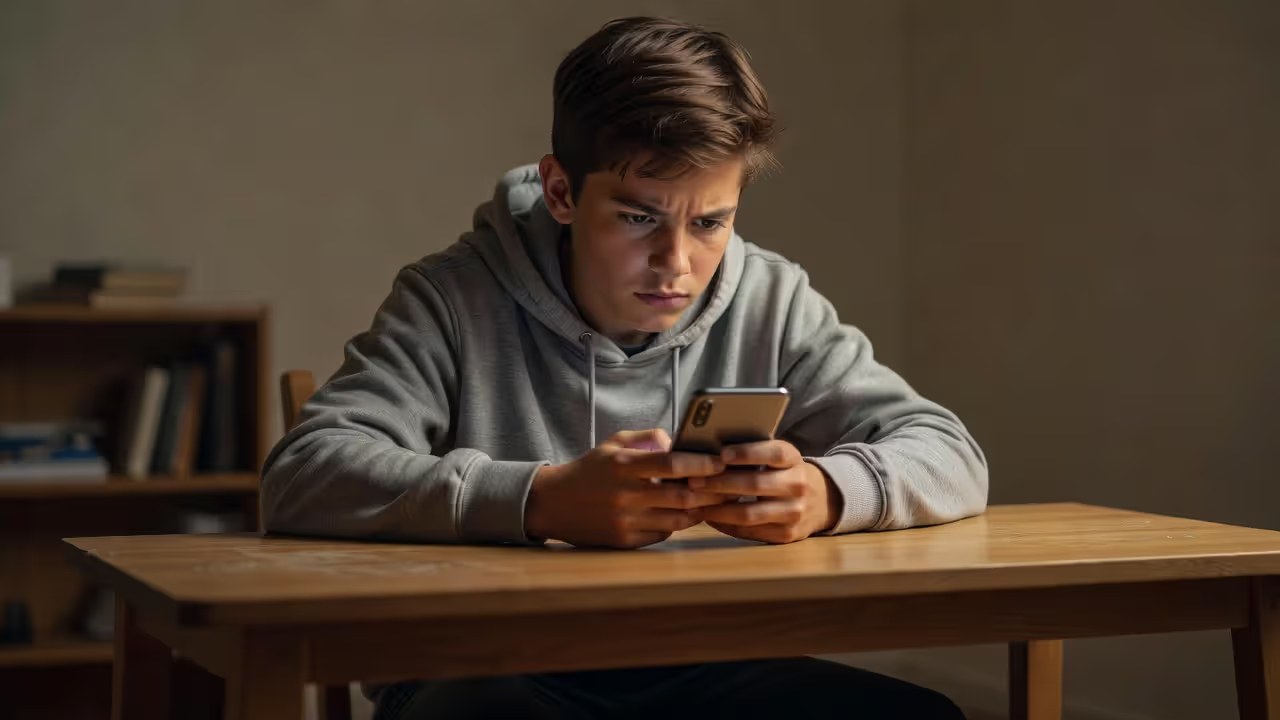
Oversharing is the most common mistake I see most often in this space. Teens post their school name, sports team, neighborhood, and daily schedule without connecting those dots into a profile a stranger could exploit. A photo tagged at a local park with a school hoodie visible tells someone a surprising amount.
Author: Madeline Ashcroft;
Source: colorfulpagescoalition.org
There's also the privacy setting illusion. Many teens believe their accounts are private — but "private" on most platforms still means visible to hundreds of followers, many of whom are acquaintances or near-strangers. Screenshots travel. Posts get screenshotted and shared outside the original audience all the time.
Cyberbullying is another major risk that gets underestimated because it doesn't always look like obvious harassment. It can be exclusion from group chats, subtweeting, or coordinated mass reporting of an account. The effects are serious — research consistently links cyberbullying to anxiety, depression, and school avoidance.
How Predators and Scammers Target Young Users
Online predators don't typically approach teens with obvious red flags. The pattern is usually gradual — building trust over weeks or months through gaming platforms, Discord servers, or comment sections before introducing anything inappropriate. This is called grooming, and it's designed to feel like friendship.
Scammers go after teens differently. Fake giveaways, phishing links disguised as game rewards, and "brand ambassador" offers that require personal information are all common tactics. Teens are actually more likely than adults to click phishing links, partly because they're faster and more impulsive online, and partly because they encounter more unfamiliar content.
Core Online Safety Rules Teens Should Follow
Rules work better when they come with reasons. Here's a practical breakdown of risky behaviors and what to do instead — not as a list of restrictions, but as a comparison that makes the logic clear.
| Risky Behavior | Safer Alternative |
| Posting your school name, location, or daily schedule | Keep identifying details off public profiles entirely |
| Accepting friend requests from people you don't know in real life | Only connect with people you've actually met |
| Using the same password across multiple accounts | Use a password manager and unique passwords per site |
| Clicking links in DMs, even from people you follow | Go directly to the website instead of clicking through |
| Connecting to public Wi-Fi without protection | Use a VPN or stick to mobile data for sensitive activity |
| Sharing photos or videos in private chats assuming they'll stay private | Treat everything you send as potentially shareable |
| Keeping uncomfortable online interactions to yourself | Tell a trusted adult — even if it feels embarrassing |
These online safety rules for teens aren't about distrust. They're about understanding how platforms actually work and who else might be watching.

Author: Madeline Ashcroft;
Source: colorfulpagescoalition.org
How Parents Can Help With Keeping Teens Safe Online
The goal isn't surveillance. It's building the kind of relationship where a teen will actually come to you when something goes wrong. That's harder than installing an app, but it matters far more.
Keeping teens safe online starts with parents understanding the platforms their kids are using — not just knowing the names, but having a basic sense of how they work. You don't need to create a TikTok account. But knowing that TikTok's default audience is public, or that Discord servers can be invite-only or completely open, changes the conversation you can have.
Trust-building looks like asking questions out of genuine curiosity rather than suspicion. "What's that app?" lands differently than "Are you being safe on that app?" The first opens a conversation. The second closes one.
Parental Control Tools Worth Using
Parental controls are a starting point, not a solution. They work best with younger teens and as a temporary layer of protection while trust is being built. A few options worth knowing:
Google Family Link works well for Android devices and gives parents visibility into app usage and screen time without being overly invasive. Apple Screen Time does similar work on iOS and includes content restrictions and communication limits. Bark takes a different approach — it monitors for warning signs like bullying, depression, or predatory contact and alerts parents rather than showing them everything. That distinction matters for older teens who need some privacy.
The simpler option usually wins here. If a tool is complicated to set up, it won't get used consistently.
How to Talk to Your Teen About Internet Safety Without Pushback
Timing matters. Bringing up online safety after something bad happens in the news tends to feel like a lecture. Bringing it up during a casual conversation — or after your teen mentions something that happened online to someone they know — feels like a discussion.
Be honest about what you don't know. Teens respond better to "I'm not sure how that works — can you show me?" than to a parent pretending to have expertise they don't have. And avoid making every conversation about danger. Acknowledge that most of what they do online is fine.

Author: Madeline Ashcroft;
Source: colorfulpagescoalition.org
School and Public Wi-Fi Safety for Teenagers
This one gets skipped in a lot of internet safety for teenagers guides, which is a mistake. School networks and coffee shop Wi-Fi are among the most common places teens get exposed to risk — not from content, but from network-level vulnerabilities.
Public Wi-Fi is typically unencrypted. Anyone on the same network can potentially intercept data being transmitted — login credentials, messages, browsing activity. Teens using school or library Wi-Fi to log into personal accounts are taking a real risk, especially if those accounts don't have two-factor authentication enabled.
A VPN (Virtual Private Network) encrypts traffic and makes it much harder for anyone to intercept. Free VPNs vary wildly in quality and some actually collect user data, so they're not all worth using. Paid options like Mullvad or ProtonVPN have strong privacy records. For most teens, the simplest rule is: don't log into anything sensitive on public Wi-Fi unless you're using a VPN or your phone's mobile data.
Device hygiene matters too. Teens should log out of accounts on shared school computers, not save passwords in public browsers, and keep their devices' software updated. Outdated software is one of the most common ways malware gets in.
What to Do When Something Goes Wrong Online
Something will go wrong at some point. That's not pessimism — it's just reality given how much time teens spend online. The teen online safety guide that actually helps is the one that covers what to do after, not just how to prevent.
Step one is always: don't engage. Responding to a harasser, arguing with a scammer, or confronting someone who's made you uncomfortable online almost never improves the situation. Screenshot everything first — date, time, username, and the content of the message.
Report it on the platform. Every major platform has a reporting mechanism. It's not perfect, but it creates a record and can result in account removal. For serious situations — anything involving sexual content, threats, or an adult attempting contact with a minor — report to the National Center for Missing and Exploited Children (NCMEC) via CyberTipline.org. Law enforcement can and does act on these reports.
Talk to a trusted adult. This sounds obvious, but teens often don't because they're worried about losing device access or getting in trouble. Parents who've built open communication around this topic are far more likely to hear about problems early.
If the situation involves threats of violence or an adult soliciting a minor, contact local law enforcement directly. Don't wait to see if it escalates.

Author: Madeline Ashcroft;
Source: colorfulpagescoalition.org
FAQ: Internet Safety for Teenagers Questions Answered
The internet isn't going anywhere, and neither is your teen's need to be part of it. The families that navigate this best aren't the ones with the strictest rules — they're the ones with the most honest conversations. Start those conversations early, keep them going, and make sure your teen knows that coming to you with a problem won't get them in trouble. That's the part no app can do for you.
Related Stories

Read more

Read more



The content on this website is provided for general informational and educational purposes only. It is intended to explain concepts related to parenting, child development, family caregiving, adoption, fostering, and child safety.
All information on this website, including articles, guides, and examples, is presented for general educational purposes. Outcomes may vary depending on individual family circumstances.
This website does not provide professional medical, psychological, or legal advice, and the information presented should not be used as a substitute for consultation with qualified pediatricians, child psychologists, or family counselors.
The website and its authors are not responsible for any errors or omissions, or for any outcomes resulting from decisions made based on the information provided on this website.